About Sayyar

icon to Know more about section
Renting cars solution
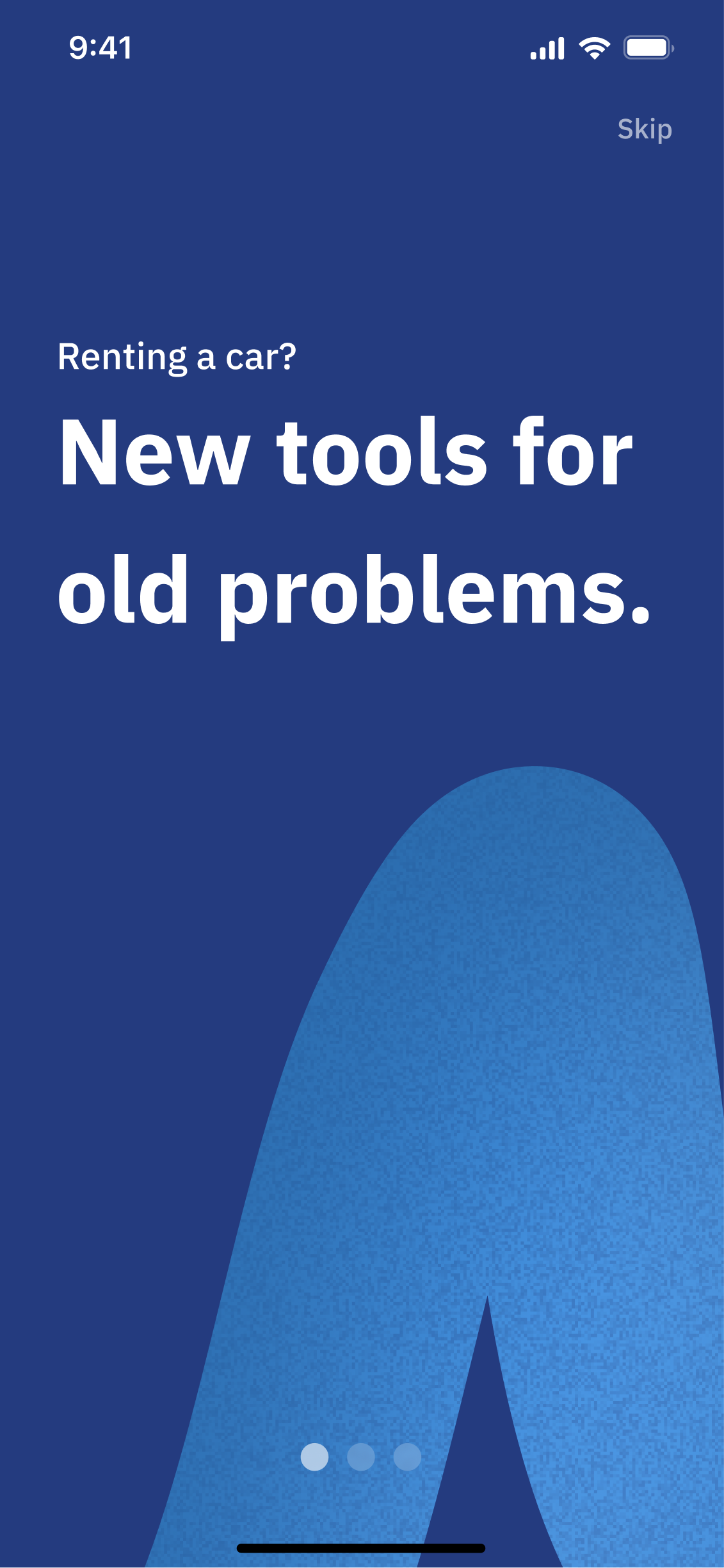
New tools for old problems
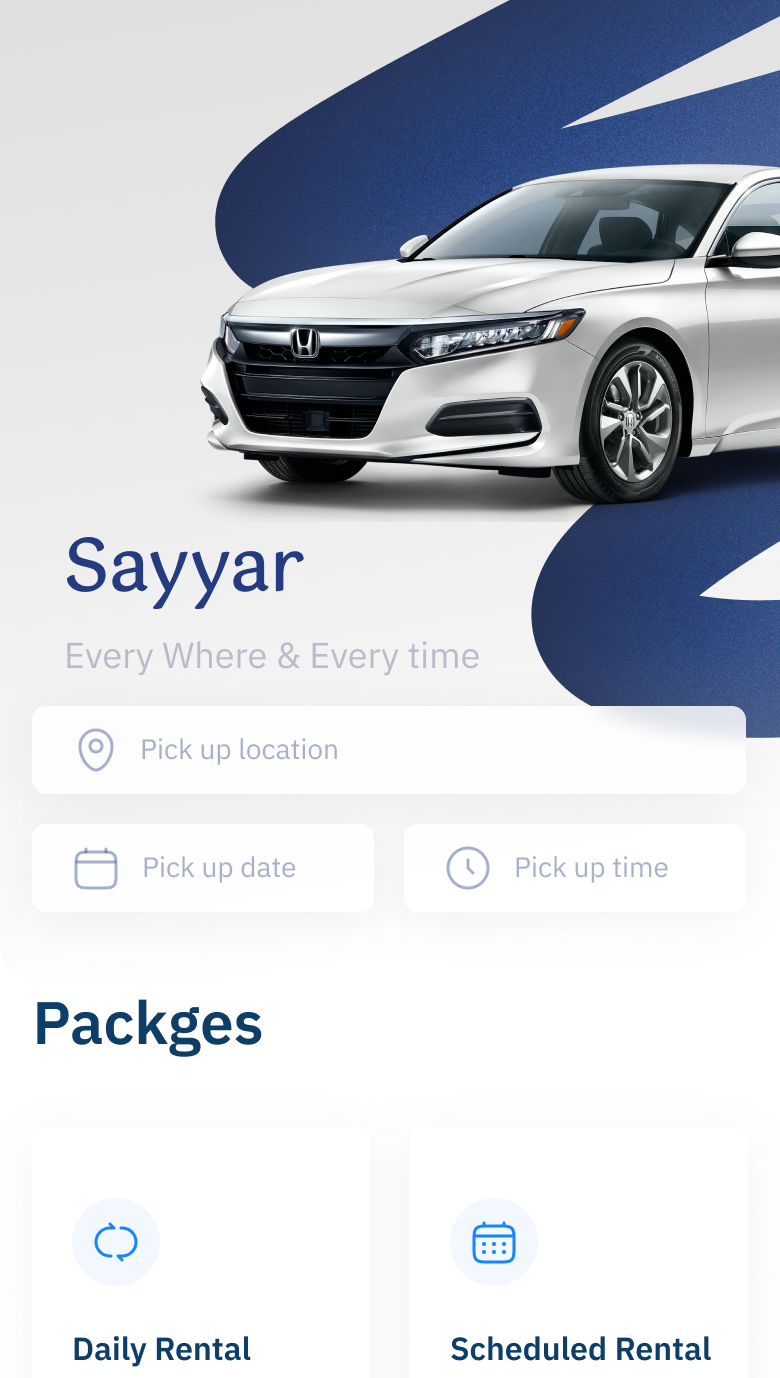
UI Screen of Sayyar Home page
Project Overview
The Story Behind the Work

In this project, I stepped in as a Product Designer, starting my journey by defining the goal and mapping a path toward it.

I conducted research, collected data, and transformed insights into UI designs. The process was simple, yet remarkable.

The journey is structured in four stages:

Goal Definition → Research & Data Collection → UI Design → Final Touches

The journey was simple, yet meaningful, and I hope it inspires the same feeling for you. ✨

Hope you enjoy this ✈️

Timeline

2023/24 - 6 Months

Team

Product Team

Scope

UX Research • Interaction Design • Prototype

Objectives
Why is renting a car harder than it should be?

For many users, car rentals are a journey filled with doubt and frustration. To fix it, we must first feel what they go through.

Objectives
Addressing User Needs in Car Rentals
Heart icon
Building confidence in service quality
Phone icon
Reducing process delays
Check mark
Transparent rights and responsibilities
Interviews
What’s the one question that leads to better experiences?
Interviews outcomes

80

%

Faced challenges with their rentals

Problems strongly reduce customer loyalty.

Interviews outcomes

50

%

Users don’t know their rental rights .

Low awareness creates uncertainty in the process.

Interviews outcomes

80

%

Expressed the need for a smoother rental process.

Low awareness creates uncertainty in the process.

Stickynote image

Users didn't understand their rights unless they had an issue after renting a car.

Sticky Note image

Based on 20 participants, there are only 4 users who didn't have problems after renting a car.

Sticky note image

Renting a car experience is improvable.

Sticky note image

There's a need for renting cars.

Our commitment
Reliable services built on safety and high standards.
UI Design
Designed for an interesting Experince
Onboarding screen
Star icon

Before You Even Noticed It...

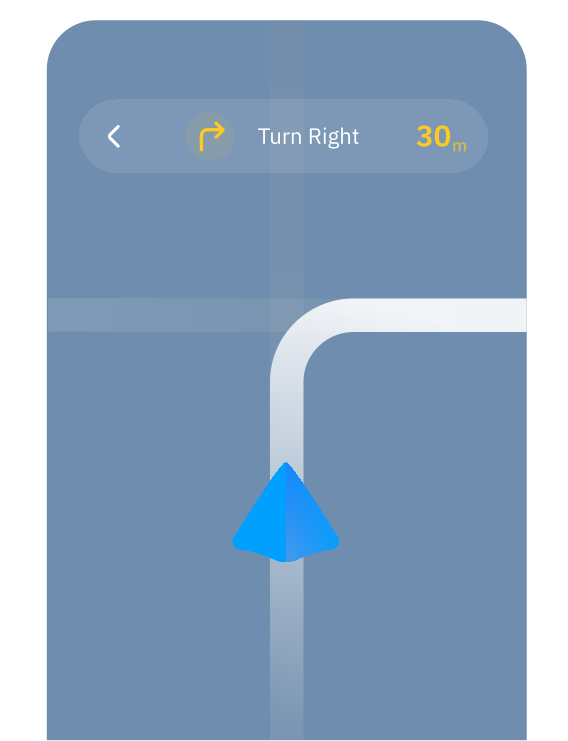
Ride in Frame
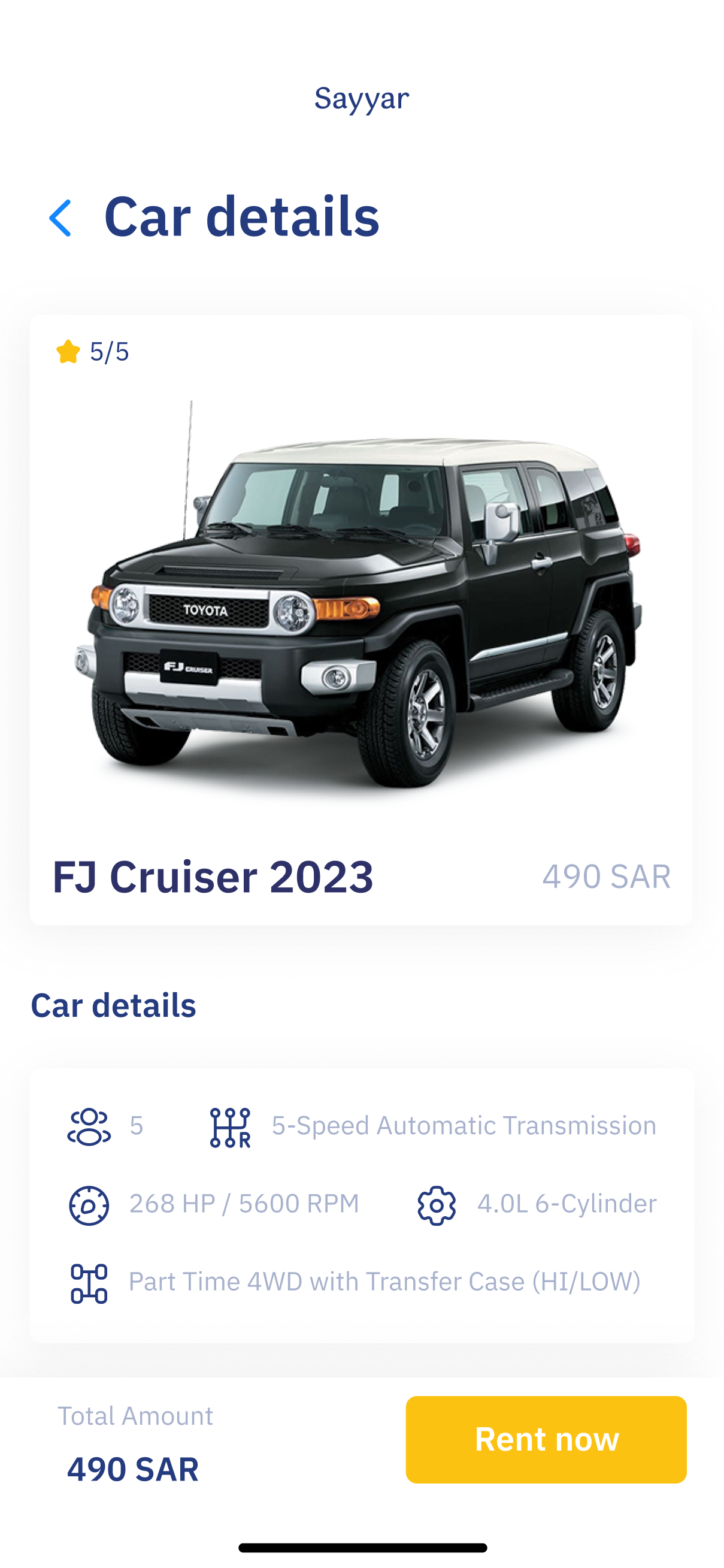
UI Design for Mobile Car info
Tap to see the Prototype
Go to icon
Usability Testing
Seeing beyond the surface
plus icon
UI of Available cars Screen Before
With assumptions
UI Screen of the cars in the App
Before Usability
After Usability
🔍
Usability issue

Searching for the right car takes too long and involves too many filters, while it should be a smoother, faster experience that helps users find a car based on the details that matter to them.

Section Divider
Solution

A catchy button at the top invites users into a quick 5-step flow, giving them car results that match what they like.

Bottom Navigation Before
With assumptions
Before Usability
After Usability
Bottom Navigation After
After Usability
⚙️
Usability issue

Users need to reorganize the navigation bar.

Between sections line
Solution

Organizing the navigation bar to be: Home, Explore, Help, and Profile Starting with Frequent use.

ProfileMobile screen mockup showing a top search bar, two buttons below it, and a services section with four square placeholders for service items.
With assumptions
Before Usability
After Usability
🧐
Usability issue

Users had difficulties realizing the difference between profile and home designs.

Between sections line
Solution

Enhancing the profile screen to make it simple and functional, displaying the most important information for the user.

Results & Impact
Wrapping Up the Design Journey
Improved Search & Discovery Flow
I redesigned the search and filtering process to help users find the right rental cars faster and with less frustration. By streamlining filters, introducing a quick 5‑step search flow, and placing the primary call‑to‑action more prominently, I made the experience smoother, more intuitive, and aligned with user expectations.
Impact Metrics:
⬆️ 60% faster completion of search sequences
⬆️ 45% users selecting a relevant car option
Boosted User Confidence & Satisfaction
Through my design of clear feedback mechanisms, undo/reset options, and intuitive controls, users felt more confident in their designs. My work reduced anxiety and enhanced satisfaction, making them comfortable publishing and sharing their work.
Impact Metrics:
⬆️ Customer Satisfaction Score 4.7/5 average rating on onboarding and customization
👍 25% (users reported less worry about making errors)
Enhanced Navigation & Information Structure
I reorganized the navigation bar to follow user priorities (Home, Explore, Help, Profile) and clarified screen hierarchies (e.g., Home vs Profile). This reduced confusion and helped users access key sections with confidence rather than guesswork.
Impact Metrics:
⬆️ 35% fewer navigation errors in usability tests
⬆️ 60% users reported feeling comfortable navigating the app
⬇️ 10% of users dropped out mid‑flow
Challenge faced and Lessons
Facing the Final Challenge
Traffic road sign icon

Stakeholder priorities against user needs

Two paths sign icon

Qualitative and Quantitative Together

Return Sign Road icon

Never Stop Identifying Issues

Balanced icon

Balancing Simplicity and Clear Structure